
Mentimeter accounts
Mentimeter account accounts are available to all London Met users and accounts will be created automatically the first time you log into the London Met version of Mentimeter.
Accounts are only required for content creator and presenters.
Participants can join presentations as a named London Met user without setting up an account.
Log in for Presenters and Content creator
Use the London Met login for an easy login experience.
London Met login
http://www.mentimeter.com/join/londonmet
If you are already logged into your London Met M365 account in your browser, you will be automatically logged into Mentimeter.
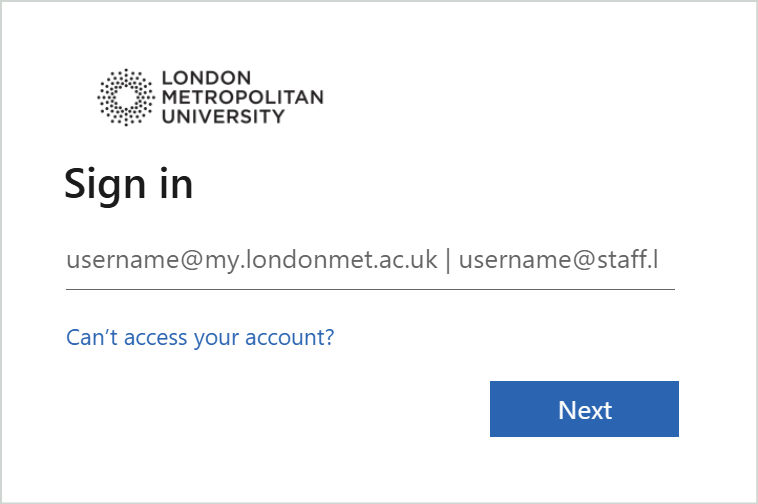
If you are not yet logged in, you will be redirected to the London Met login. Enter your details and follow the onscreen instructions as needed.
Mentimeter website login
You can still log in through Mentimeter website login screen, but need to make sure that you select ‘Log in with SSO’

Next, enter londonmet or ‘london metropolitan university‘ into the ‘Email or workspace name’ field and then click ‘Continue’.

You will now be redirected to the London Met login. Enter your London Met login details and follow the onscreen instructions as needed.
Participant login
Participants do not need to log into Mentimeter unless the presentation owner has restricted a presentation to users with a London Met account.
Users won’t need to set up a Mentimeter account to participate, but they will require a valid londonmet IT account.
If the presentation requires a login, participants will be redirected to the London Met Single Sign On (SSO) login when accessing a shared link or QR code for the presentation.
This will log them in with the London Met name and email, but won’t create an account for the user.
Users who are already logged into SSO on their browser will go directly to the presentation.
User who are not yet logged in will see a message to log in and will then be taken to the London Met SSO.
