Padlet is a versatile online canvas or wall that allows users to share images, links, videos, audio files and other documents. You can use Padlets to gather student contributions and engage students during online sessions, for group exercises or as media rich blogs or discussion boards. Padlets can be accessed through a link you share with your students or you can choose to embed your Padlet in a Weblearn module.
Explore the Padlet Gallery to get ideas on how to use Padlet to engage your students and create inspiring new learning resources.
Creating your London Met Padlet account
Padlet accounts are available to London Met staff on request.
To request your account, log a call with the University Support Portal
Once your account has been created you will receive an email lewtting you know that ‘You’ve been added to London Metropolitan University on Padlet!’.
Use the link in the email to access Padlet.
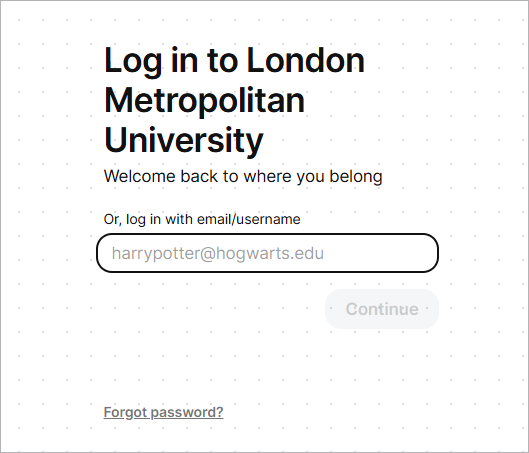
Login to Padlet
Make sure that you are using the London Metropolitan University version of Padlet.
Go to padlet.com/londonmet to log in.
Your Padlet account will have been set up with your London Met email account: username@staff.londonmet.ac.uk
If you are unable to login to Padlet please use the ‘Forgot password?’ option to set your password