Weblearn update – April 2025
The April 2025 Weblearn update includes:
- Indicator if student has or has not reviewed feedback
- Replace Feedback column with actionable Results column in student Gradebook
- Print Ultra Documents
Indicator if student has or has not reviewed feedback
Release date: Thursday, 3 April 2025
You will now be able to check if a student has accessed their feedback for a Weblearn assignment.
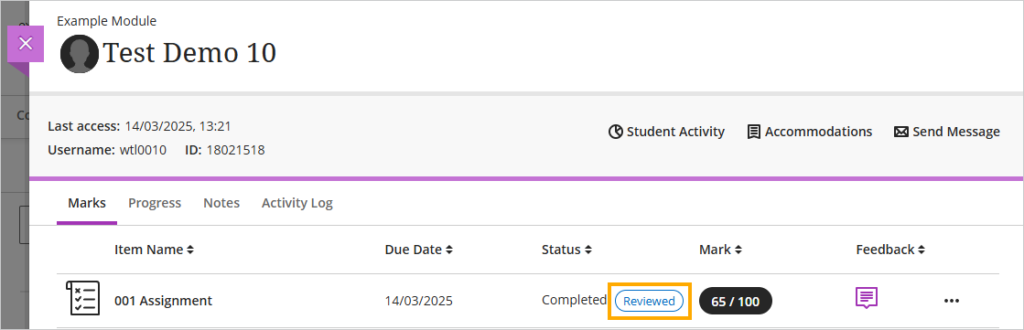
To view the indicator go to the Gradebook and click on the ‘Students’ tab
Next, locate the student in the list and click on their name

On the student overview page you will be able to see the ‘Reviewed’ or ‘Not reviewed’ status for the students submission.
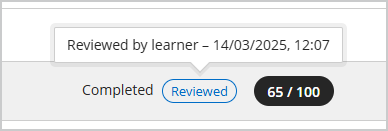
Hover the mouse pointer over the ‘Reviewed ‘ status to see the time and date that the student accessed the feedback.
Enhancements to student access for assessment results
Release date: Thursday, 3 April 2025
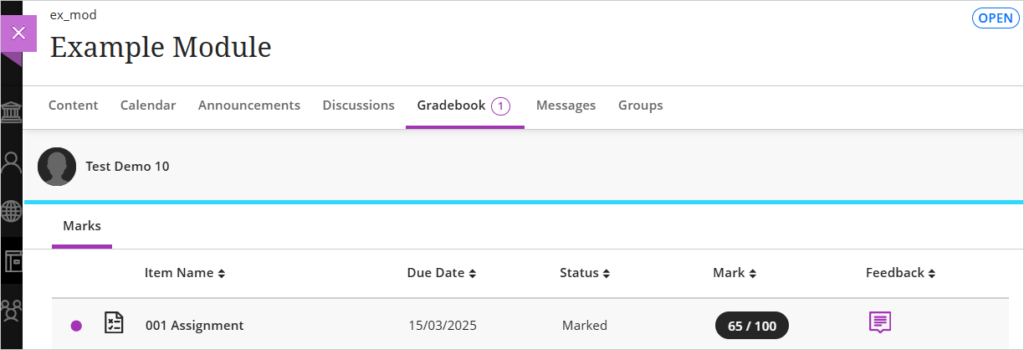
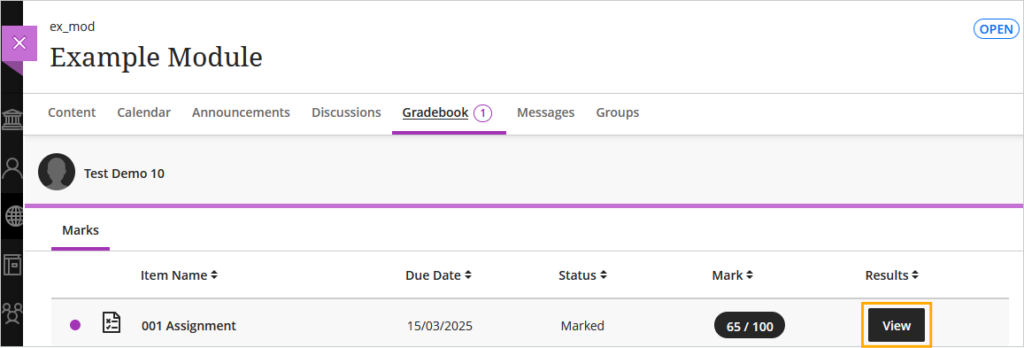
To make it clearer and easier for students to access their assessment results, the ‘Feedback’ column in the student view of the Gradebook has been replaced with a ‘Results’ column, featuring a clear indicator for students to ‘View’ their results.
The current view shows the ‘Feedback’ column with a purple speech bubble icon to indicate feedback is available.
The new view shows the ‘Results’ column with a ‘View’ button to access the results.
Print Ultra Documents
Release date: Thursday, 3 April 2025
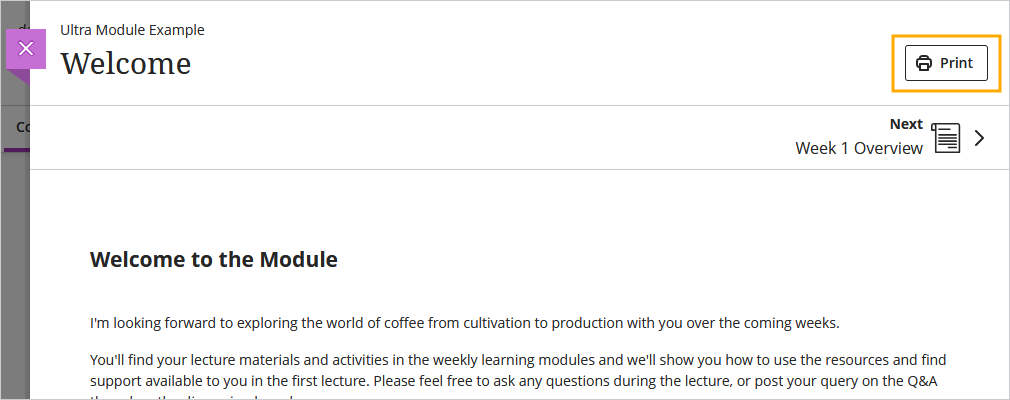
Instructors and students can now print Ultra Documents or save them to PDF.
- Knowledge check content blocks print with all the question and answer options visible.
- All other blocks print as displayed outside of editing mode.