
Weblearn update: July 2025
New updates on Weblearn include:
- Block styling options for Documents
- Table of Contents in Learning Modules for students
- Document layout suggestions
- Add captions to image blocks in Documents
- Messages options can be updated in modules
- Auto-generate AI Conversations
- File Restrictions on Weblearn
Block styling options for Documents
Release date: Postponed – new date planned for September
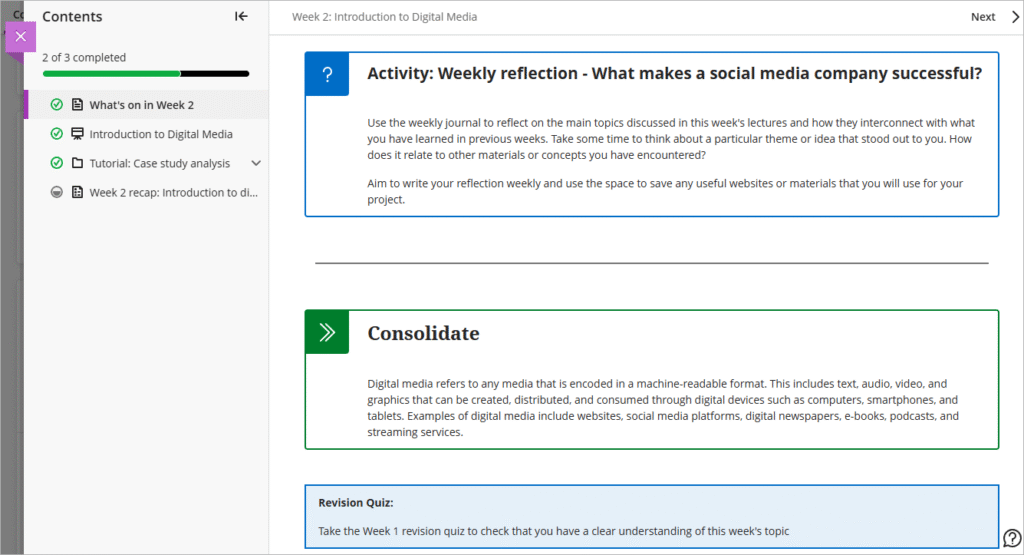
Instructors will have the ability to enhance the visual appearance of content using the content styling blocks.
The style options include:
- Question
- Tip
- Key points
- Next steps
- Highlight
To style a block, click on the style icon in the menu.
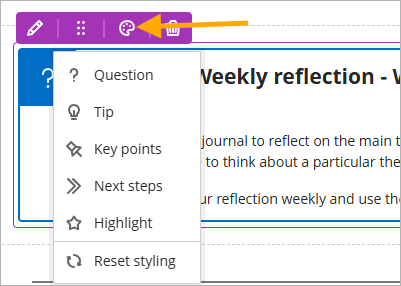
Table of Contents in Learning Modules for students
Release date: Thursday, 7 August
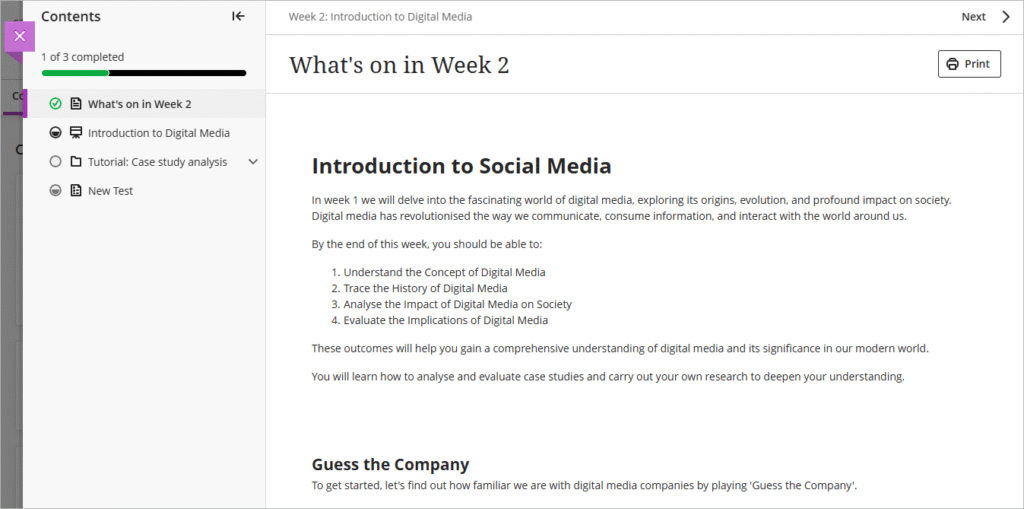
To enhance usability and assist with navigation, a table of contents has been added to the Learning Module and Folder view for students making navigation, orientation, and progress tracking more intuitive.
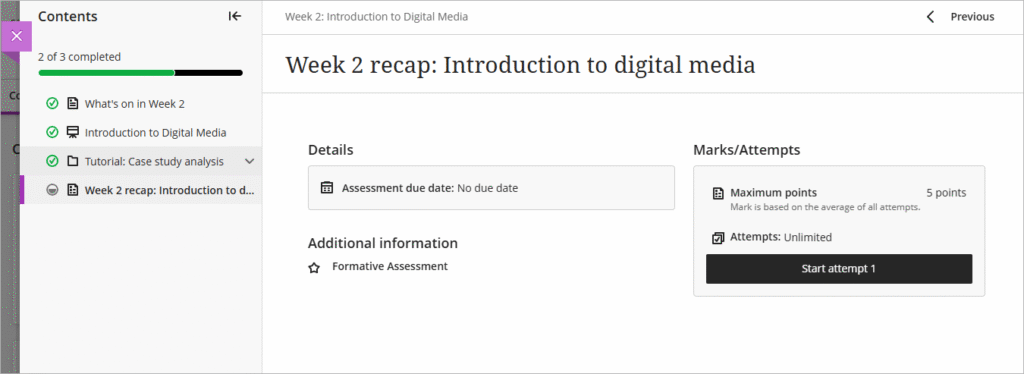
As part of this update, assessments now open in the full panel, rather than the small side panel, making viewing assessment more constant and easier to view.
Document layout suggestions
Release date: already available on Weblearn
The new Layout Suggestion Tool uses the AI Design Assistant to help design more engaging documents for students. The tool offers the following features:
- Layout Suggestions: The Design Assistant suggests structured layouts and automatically adds helpful headings to improve readability.
- Images: Instructors include AI-generated images or select stock images from Unsplash.
- Knowledge Checks: Instructors can include automatically generated multiple-choice questions based on the document’s content.

Add captions to image blocks in Documents
Release date: already available on Weblearn
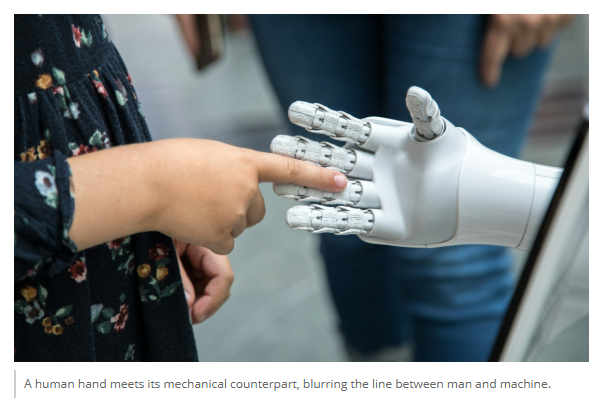
You can now add captions to images using the document image block options.
Messages options updated in modules
Release date: Monday, 18 August
Instructors will have the flexibility to customise messaging options within their modules. Where appropriate, they can enable student-to-student messaging, allowing learners to communicate with each other directly through the module.
Messages Options:
- Learners can message anyone in their module
- Learners can only message staff and learners in their groups
- Learners can only message staff
- Learners can only reply to messages
The message options can be changed via the Module Settings area.

Auto-generate AI Conversations
Release date: already available on Weblearn
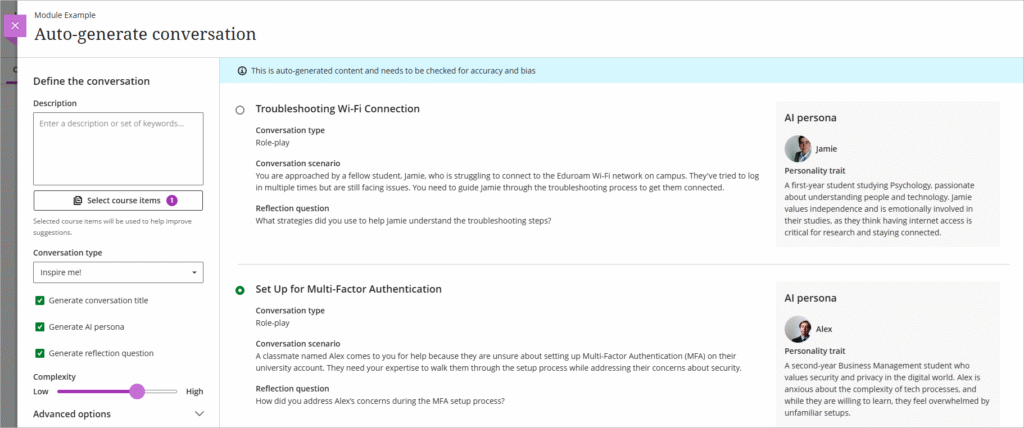
Auto-generate AI Conversations based on module content. The generator will auto-generate:
- Conversation title
- AI persona
- Reflection question
You can choose form role play or socratic questioning conversation types.
File Restrictions on Weblearn
Video files over 50MB and files which exceed 1GB in size cannot be uploaded to Weblearn.

All video files should be stored on Panopto, the London Met video platform.
Large files can be uploaded to OneDrive and then shared via a link added to Weblearn.