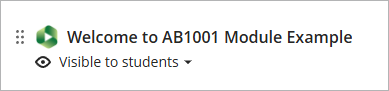
To add the Panopto Video link:
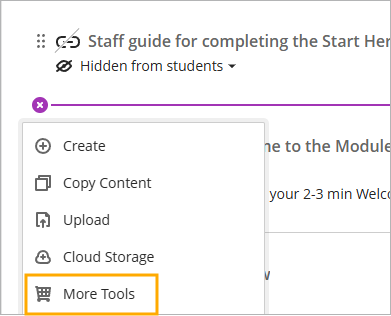
- Click on the Plus (+) icon and select ‘More Tools’
- Click on the ‘Panopto Video’ tile

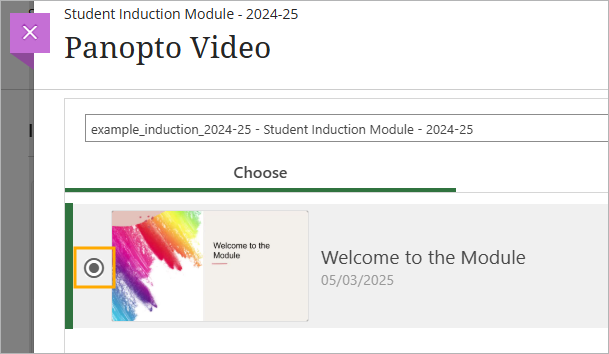
- Select the video by clicking on the radio button next to the video thumbnail
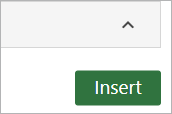
- Click on ‘Insert’
The video will now appear in the module