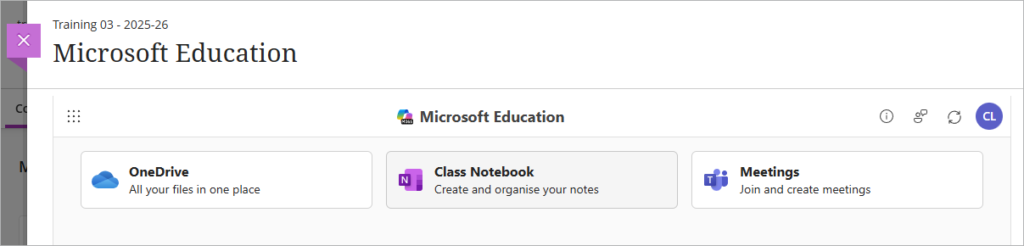
Before you can use any of the MS Education features inside Weblearn you first need to enable it for the module.
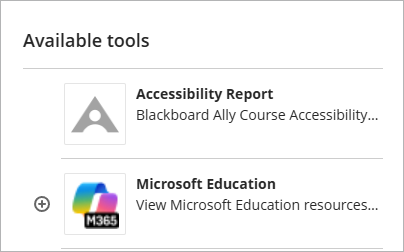
- Under the ‘Details & Actions’ menu open ‘More tools’

- Click on ‘Microsoft Education’
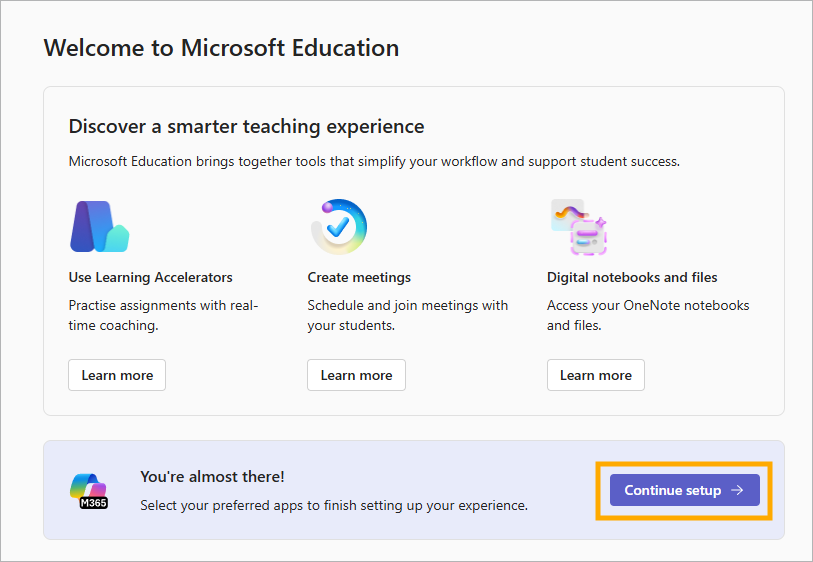
- On the set up screen, click on the ‘Continue setup’ button
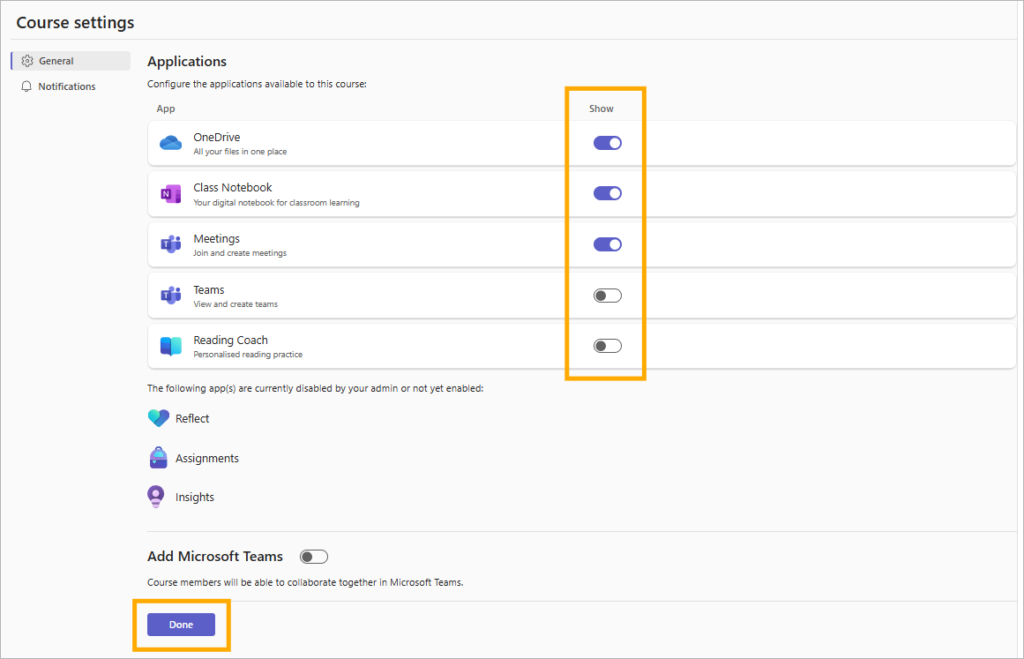
The Settings page shows you which apps are available.
- Use the ‘Show’ column to toggle on or off any apps that you intend to use.
Note: if you intend to use the MS Teams option you will also need to select the ‘Add Microsoft Teams’ option to create the Team for the module.
- Click on the ‘Done’ button.
You will see a message letting you know that the integration is being set up.

Once the setup has completed, you will be able to view and access the available apps on the MS Education screen.