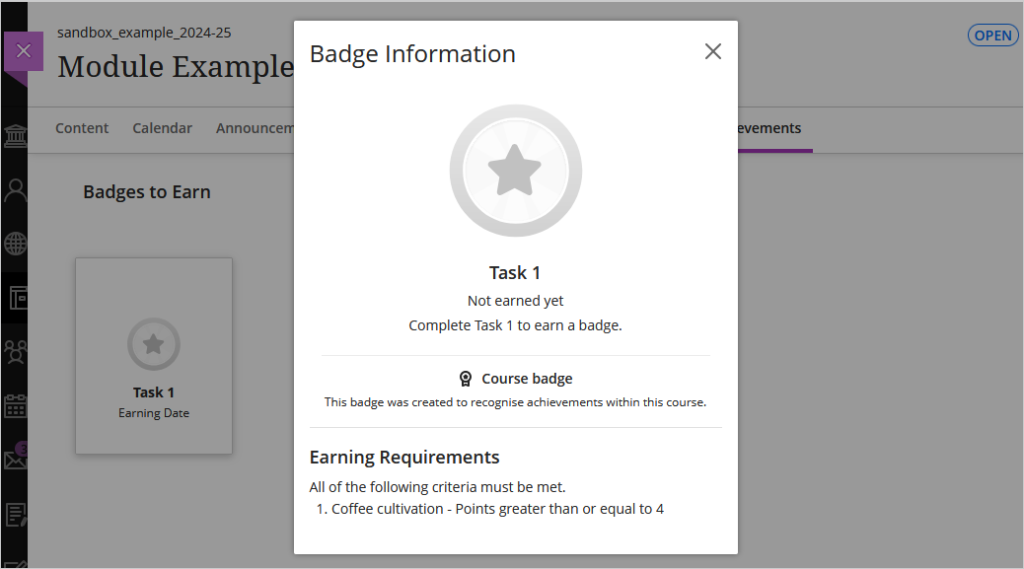
The Achievements tool allows instructors to set criteria for awarding badges to students. These badges can be linked to any assessment within the module, providing students with clear goals and recognition for their accomplishments.
Note: the Achievements tab is only visible to students once badges have been created in the module.
To create a badge inside a module, click on the ‘Achievements’ tab and then select ‘New Course Badge’

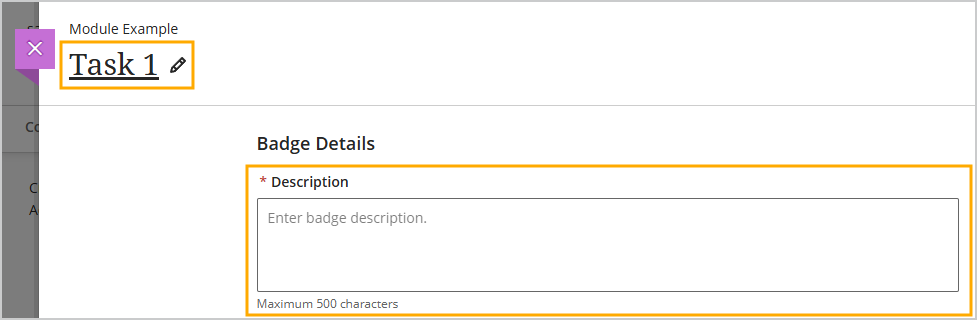
Enter a name for the badge and then add a description
Note: once the badge has been ‘Published’ it cannot be edited and will become immediately available to students.
If you are not ready to make the badge available to students you will need to ‘Save Draft’.
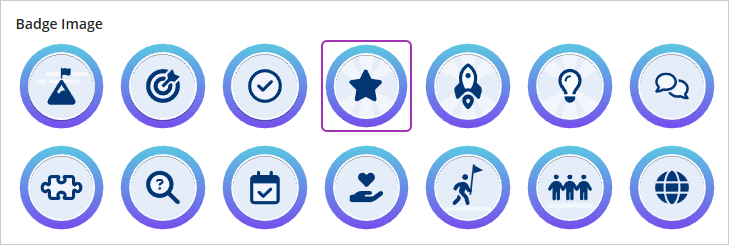
Select an image for the badge
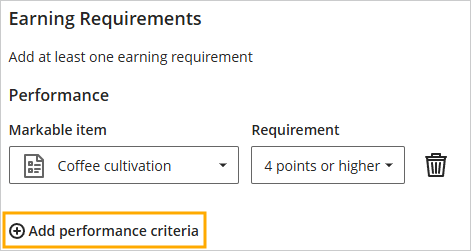
Click on the ‘Markable Item’ drop down menu and select from one of the assessments on the module

Click on the ‘Requirement’ dropdown menu to select minimum points or percentage students must achieve before the earn the badge

Optionally, click on ‘Add performance criteria’ to add an additional criteria if students must complete multiple assessments before the earn the badge.
Note: 10 is the maximum performance criteria which can be added.
A preview of the badge will be displayed on the Summary panel.

Check the preview details are correct and then click on ‘Publish’
The Achievements tab will become visible to all students on the module and they will be able to view the badge.
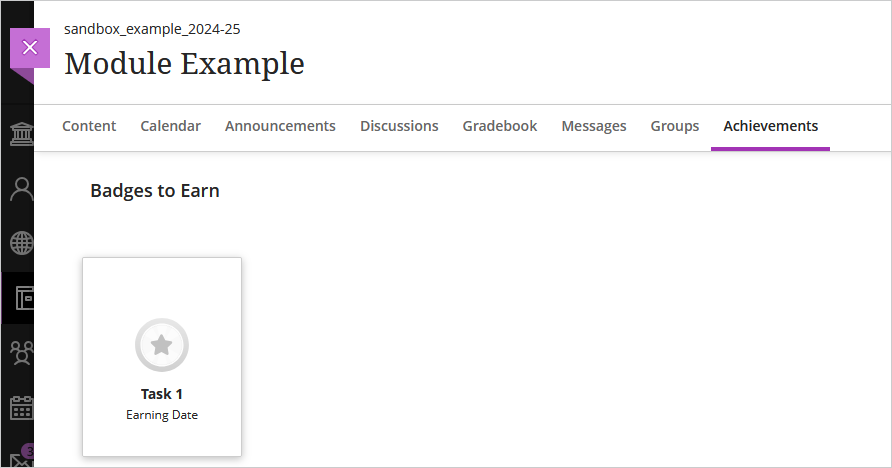
When a student clicks on the badge it will show the details of the badge including the earning requirements.