
A learning module is a content container which provides an enhanced user experience for students.
Look and feel
A learning module appears as a separate section of the page. It also has the option to include a thumbnail image to provide the section with a distinct identity.
Progress tracking
Progress tracking information is clearly displayed to students.
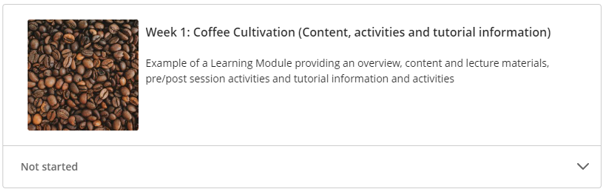
If a student has not yet accessed a Learning Module it will appear with a ‘Not started’ message.

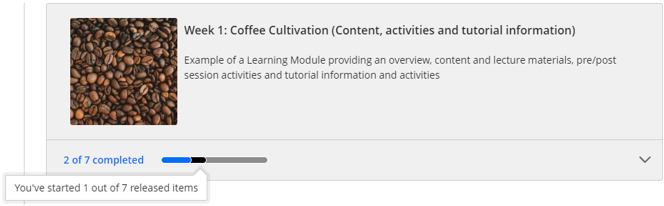
Once a student has accessed some of the content, the progress tracking message will change and display how many out of the total number of content items they have accessed.

If the student chooses to mark some of the content as ‘Completed’ the completed information will also be shown.
Internal navigation
The navigation menu at the top of the learning module allows students to move to the next, or previous item of content without needing to close the content page and look for the next item of content.
