If your lecture is live streamed as a Panopto webcast, the link will appear in the via Panopto Recordings link in your Weblearn module once the lecturer has started the recording in the classroom.
The live recording will appear as a thumbnail with a grey background and a message saying ‘Live now!’ indicate it’s a live stream

Click on the recording to join the live stream
If you clicked on the Panopto Recordings link before the webcast had started you will need to refresh the web browser window before the thumbnail will appear.
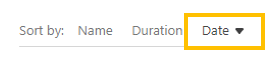
If the Panopto folder contains a lot of recordings and you sorted the folder by name or duration, the link might be on the next page

Click ‘Date’ to sort the folder by date