What is MS Teams?
MS Teams is a communication and collaboration system which is used for online sessions and events at London Met.
As a London Met student you have access to Teams for Education and you will be able to login with your London Met email and password at teams.microsoft.com
Teams also has an app which you can download on your computer or mobile device.

How to access MS Teams
Once you have installed the Teams app, or accessed Teams through the Microsoft website, you need to use your London Met email address and password to login.
If you are a new student who has not yet been issued with an IT account you can still join meetings as a guest.
To login to your Teams account, open the Teams app on your device or go to the Teams login page
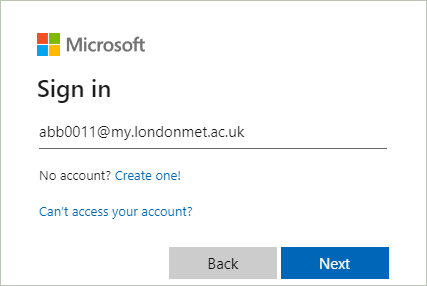
Enter your London Met email address and click on ‘Next’
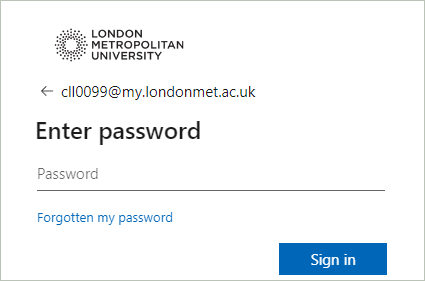
Enter your London Met password and then select ‘Sign in’