Keeping Track of Weblearn Activity
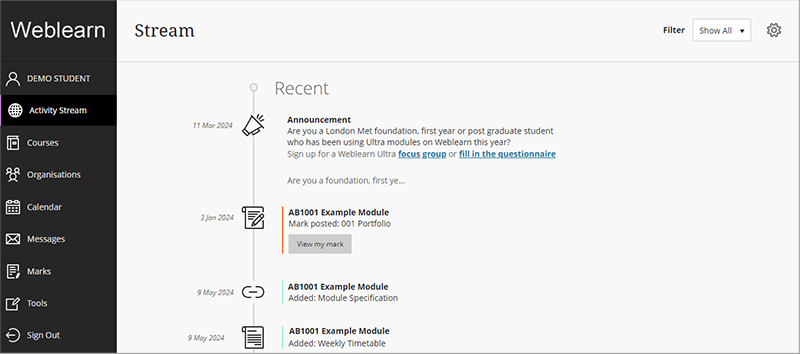
Activity Stream
When you login to Weblearn the first page you will see is the Activity Stream. This is a notification page which displays notifications about the following:
- Announcements
- New content available in a module or organisation
- Grades and feedback have been made available
- Items that are upcoming or past due
Messages
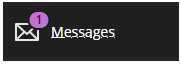
If you have received a new message on Weblearn, a new message alert will be displayed on the messages button after you have logged into Weblearn.
Notifications inside your modules
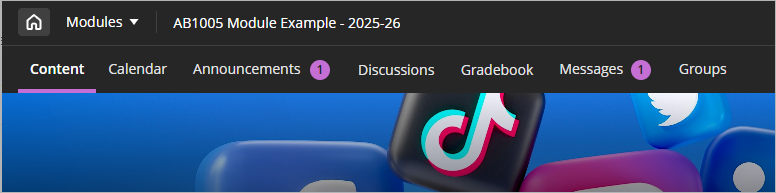
Inside your modules an indicator will be displayed next to the relevant tab when you have received a new message, announcement or the grades and feedback for an assessment have been released.
Notification Settings
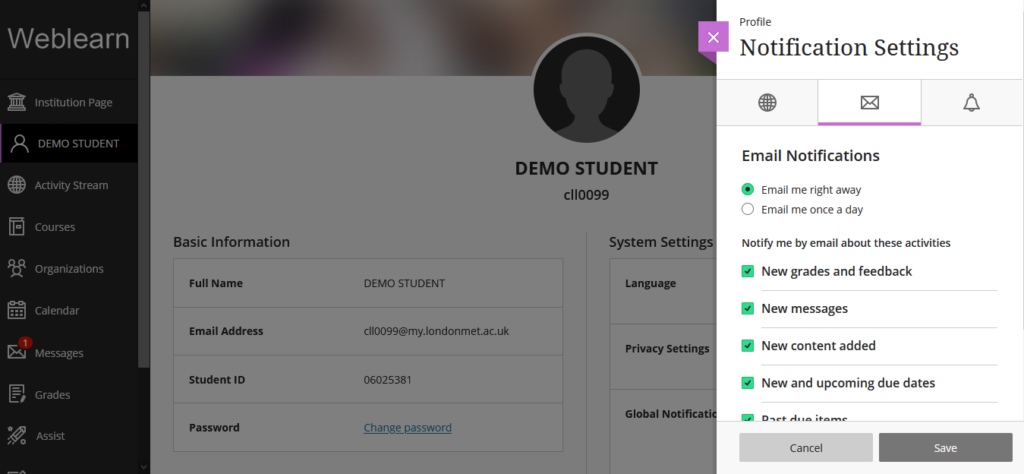
As default you will receive notifications for all activities on Weblearn. If you find you are receiving too many notifications you can choose which notifications you would like to receive or switch off.
How to change notification settings: Notifications
To access your notification settings, click on your name of the Base Navigation menu and select the Global Notification Settings.