
Very large files and videos are not suitable for direct submission to Turnitin or Weblearn assignments, the most commonly used online assessment tools. Instead, students can upload their large file(s) to OneDrive and submit a link to a Weblearn assignment.
Student user guide: OneDrive for Large Files
View the full user guide: Create Assignments
To create an online submission point please follow the steps below.
Expand the ‘Assessment component’ folder where you want to add the Ultra Assignment
Click on the Plus (+) sign in the assessment component folder and select ‘Create’

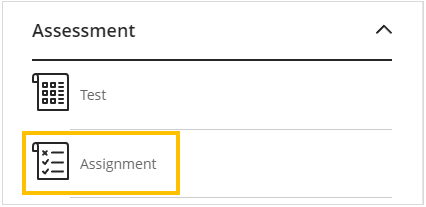
On the Create Item panel scroll down to the Assessments section and select ‘Assignment’
Add the name of the Ultra assignment using the naming convention for draft, on-time, resit or reassessment submission points, eg ‘001 Project’ for on-time or ‘001R Project (Resit)’ for resit submissions.
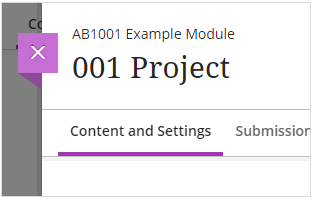
You can now configure the assignment settings.